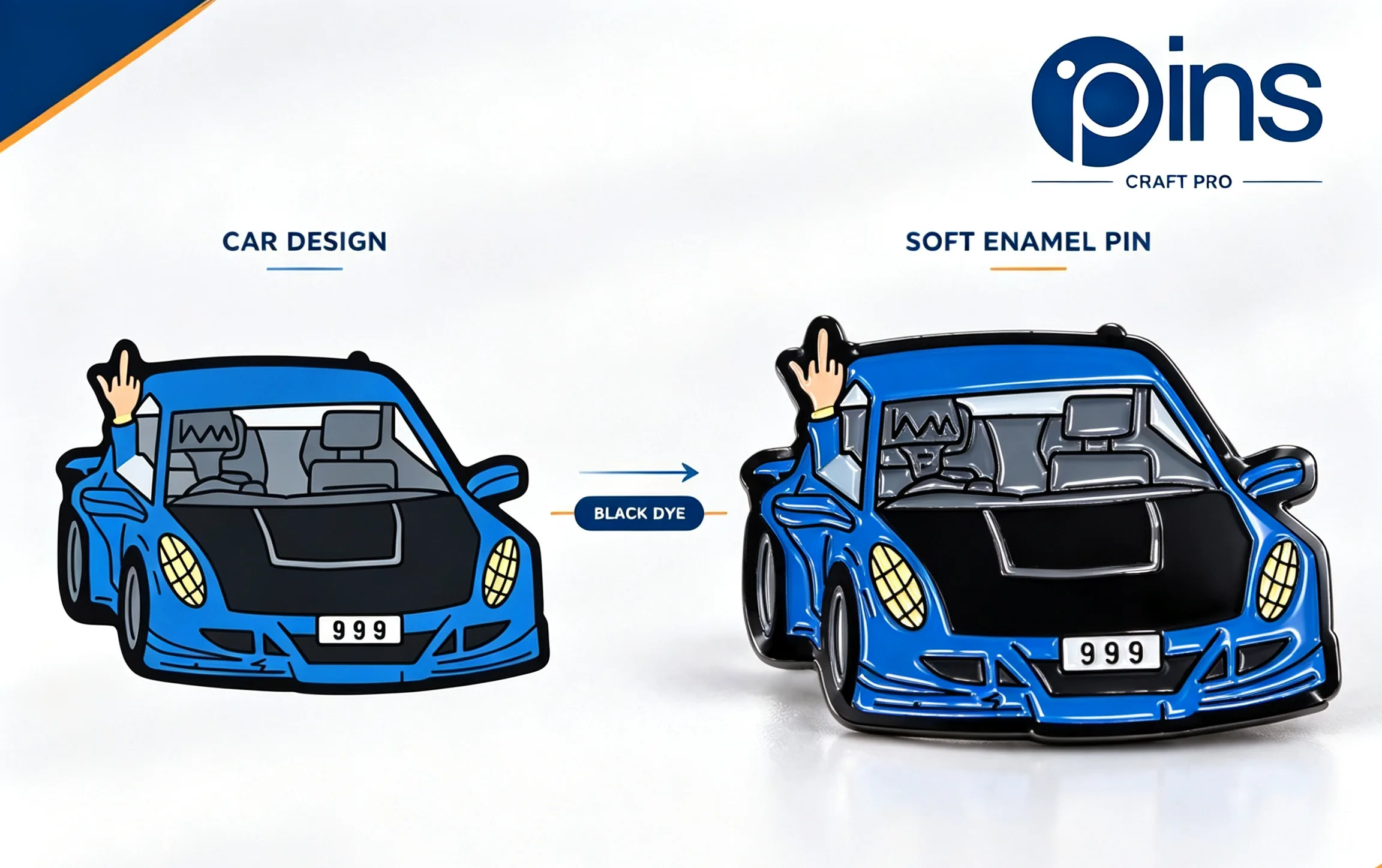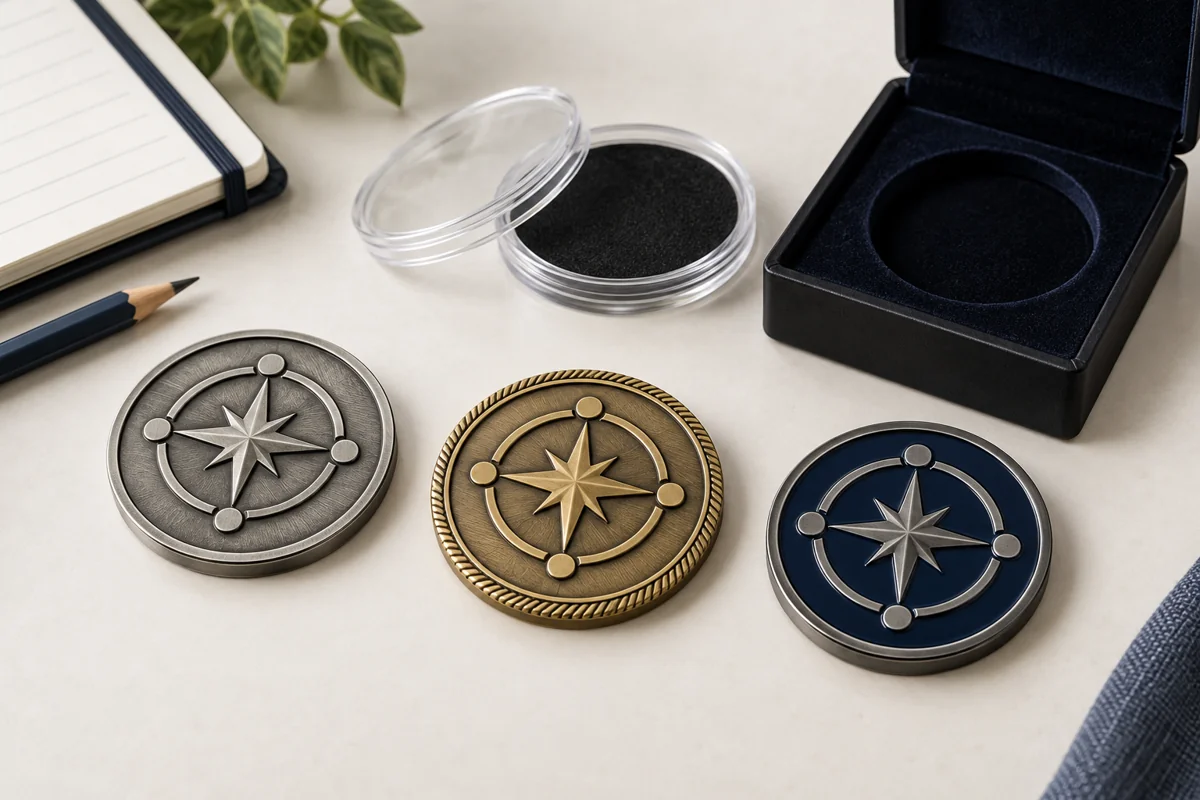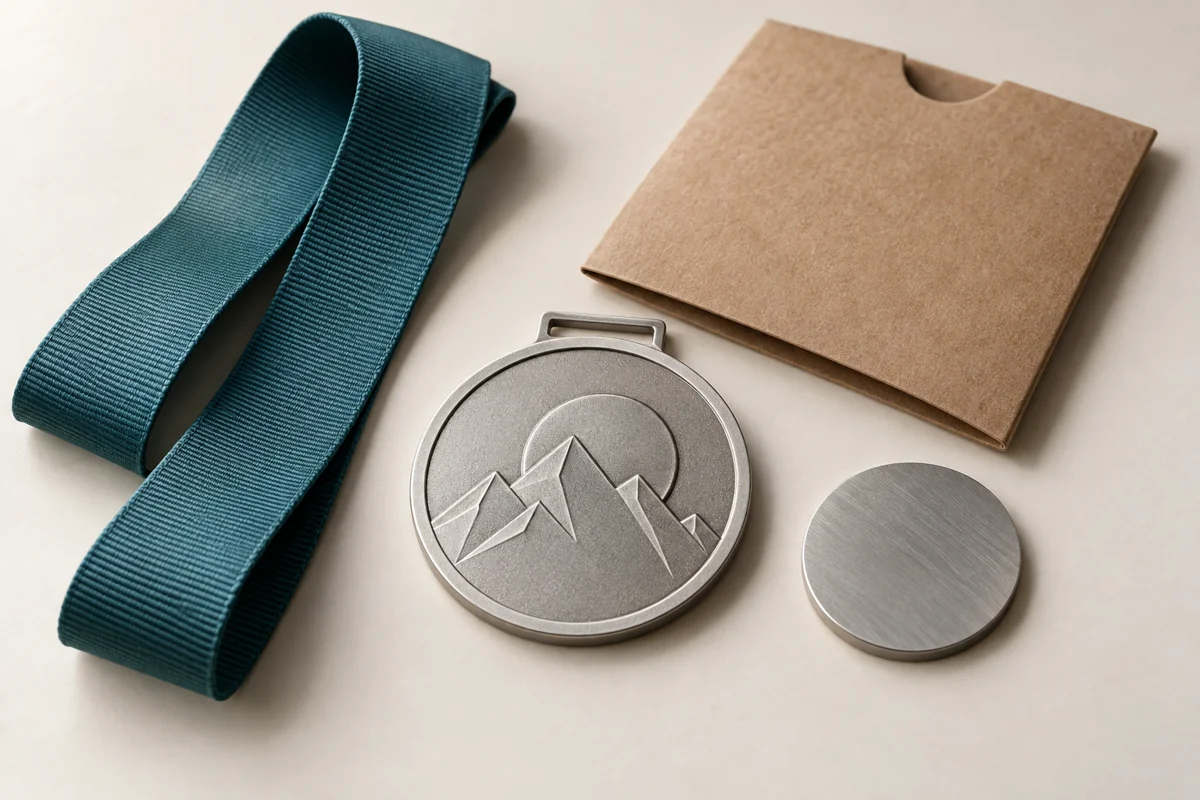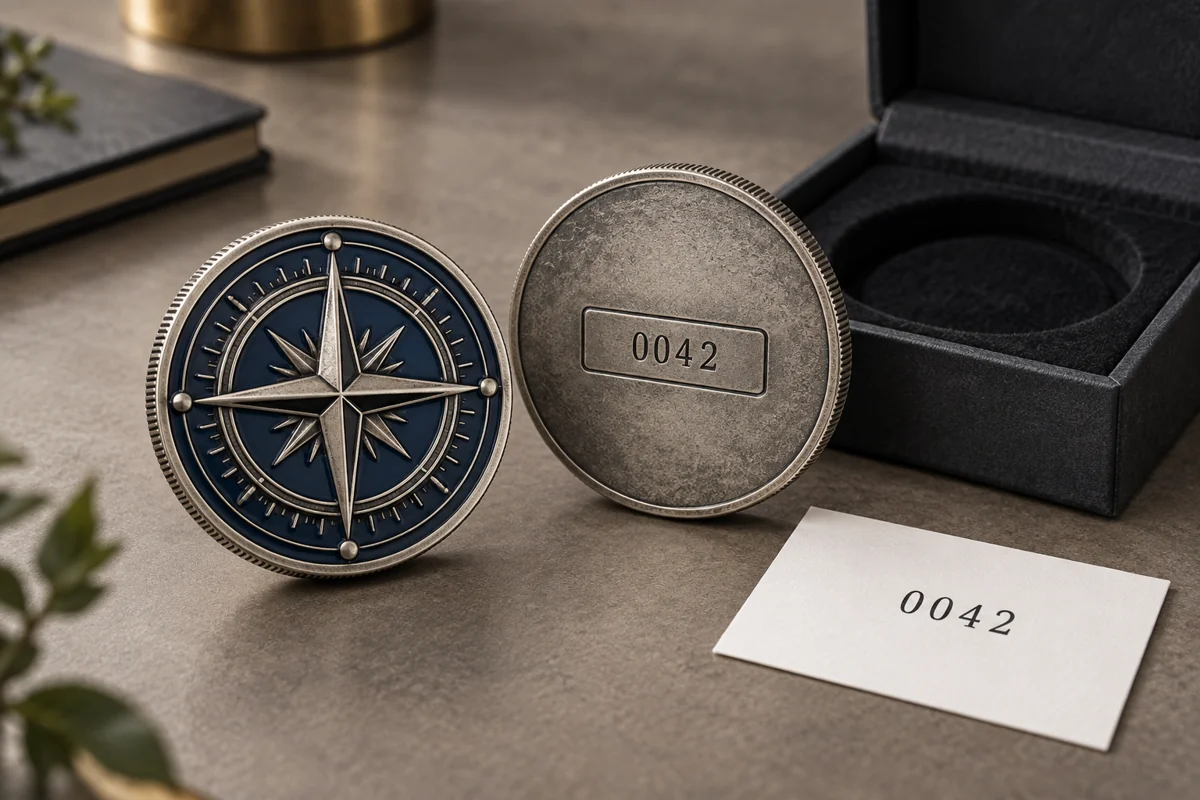




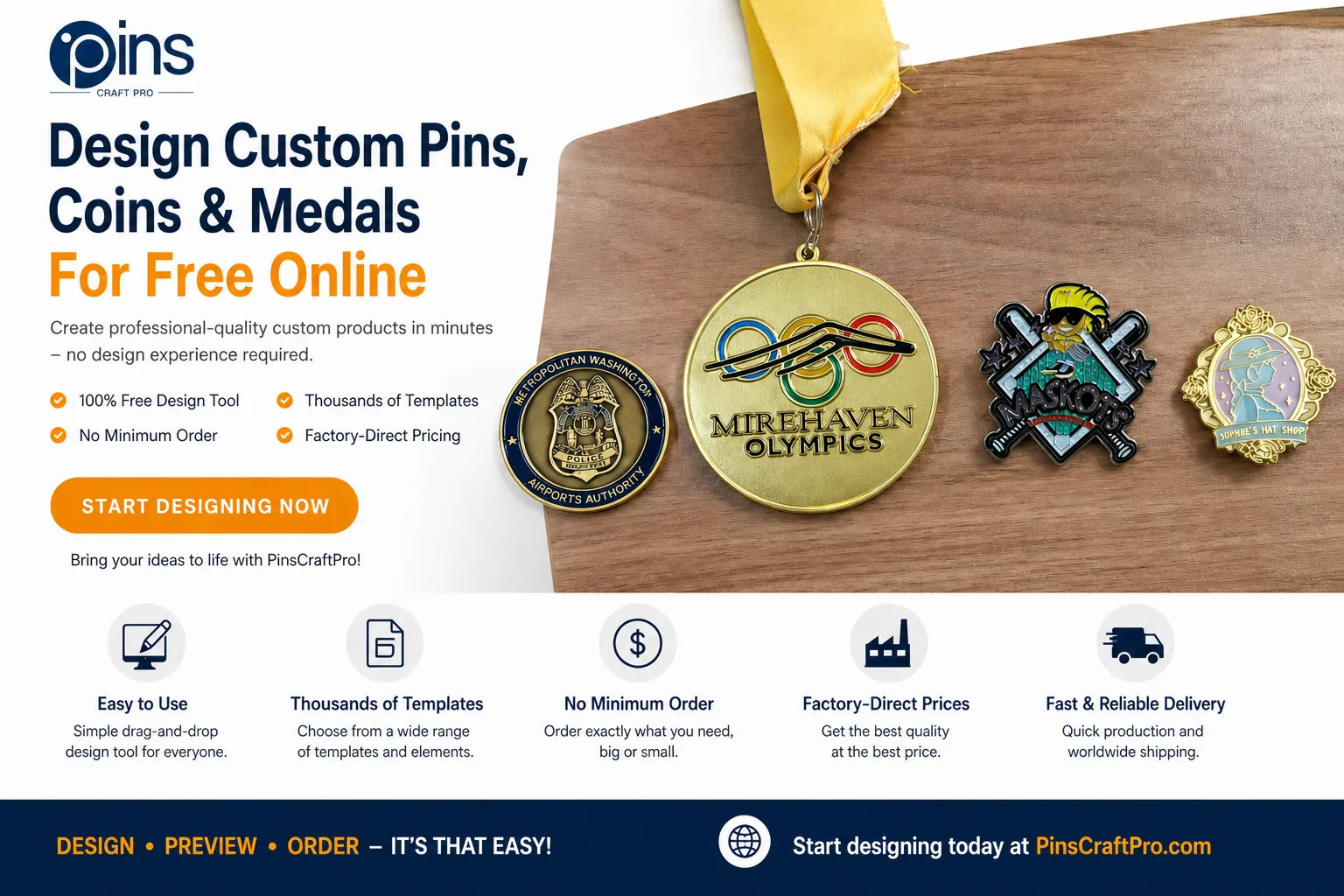
How to Design دبابيس مخصصة, Coins, and Medals with PinsCraftPro’s Free Online Tool
Have you ever had a great idea for a custom lapel pin, challenge coin, medal, or trading pin—but didn’t know how to turn that idea into a real product?
Custom Pins are a fantastic way to express your ideas and creativity.
You’re not alone. Many people struggle with design tools, lack of graphic design experience, or simply don’t want the hassle of going back and forth with designers. The process can feel slow, expensive, and frustrating.
Fortunately, there’s a better way.
PinsCraftPro’s free online design tool allows anyone to create professional-quality custom products in minutes—no design experience required. Whether you’re designing for a business, sports team, military unit, school event, or personal gift, this tool gives you complete creative control in a simple, intuitive interface.
The versatility of Custom Pins allows them to be used for various occasions and events.
In this guide, you’ll learn exactly how to use the tool step by step, plus expert tips to make your design stand out.
Why Choose PinsCraftPro’s Online Design Tool?
Before we jump into the steps, here’s why thousands of users choose PinsCraftPro for custom product design:
100% Free to Use
There are no hidden fees, subscriptions, or trial limits. You can create unlimited designs without paying for software or hiring a designer.
With Custom Pins, you can create unique representations of your brand or organization.
Beginner-Friendly Interface
The tool is designed for everyone—even if you’ve never used design software like Photoshop or Illustrator. Simple drag-and-drop controls make customization easy.
Thousands of Templates and Elements
Access a large library of templates, icons, fonts, and layouts tailored specifically for:
- دبابيس مخصصة
- Challenge coins
- الميداليات
- دبابيس التداول
No Minimum Order Quantity
Whether you need one piece or bulk production, you can order exactly what you need.
Custom Pins help to foster team spirit and create a sense of belonging.
Factory-Direct Pricing
By working directly with the manufacturer, you get competitive pricing without middleman markups.
Save and Preview Anytime
Your designs can be saved online, and you can preview the final product instantly to ensure everything looks perfect.
Fast and Reliable Shipping
Once your order is confirmed, production and global delivery are handled efficiently.
When you choose Custom Pins, you are investing in quality and design.
Step-by-Step Guide: Create Your Custom Product
Designing your own product is easier than you think. Just follow these five simple steps:
Step 1: Choose Your Product Type

Start by selecting what you want to create:
- عملات التحدي المخصصة
- ميداليات مصنوعة حسب الطلب
- Custom lapel pins
- Custom trading pins
Each category comes with tailored templates and design specifications, helping you get started faster and ensuring your design fits production standards.
Each design of Custom Pins can be tailored to fit the message you want to convey.
Step 2: Select a Template or Upload Your Artwork

You have two flexible options:
Option A: Use a Template
Browse through pre-designed templates created for different industries and styles. These templates are fully customizable, so you can easily modify colors, text, and elements.
Consider how Custom Pins can enhance your marketing strategy.
Option B: Upload Your Own Design
If you already have a sketch, logo, or draft, upload it directly. The tool allows you to edit, resize, and enhance your design within the platform.
💡 Tip: If you’re unsure where to start, templates are the fastest way to build a professional-looking design.
Step 3: Customize Every Detail

This is where your creativity comes to life.
With the built-in editor, you can:
- Add icons, symbols, and decorative elements
- Insert custom text (names, slogans, dates, titles)
- Adjust fonts, sizes, and alignment
- Change colors to match your brand or theme
- Experiment with metal finishes (for coins and medals)
- Drag and reposition elements freely
The tool is designed for flexibility, so you can test different combinations until your design feels just right.
Custom Pins can be used for awards and recognition, making them a memorable gift.
Step 4: Save Your Design and Preview the Result

Once your design is complete:
- Save it to your account
- Preview the final product instantly
- Check for alignment, readability, and color accuracy
The preview feature helps you catch small issues before production, ensuring your final product matches your expectations.
💡 Pro Tip: Always preview your design from multiple angles if available—especially for 3D items like coins and medals.
Previewing your Custom Pins design is crucial to ensure satisfaction.
Step 5: Request a Quote and Place Your Order

After finalizing your design:
- Contact the PinsCraftPro team for a quote
- Confirm product specifications and details
- Approve production
- Sit back while your custom products are manufactured and shipped
The entire process is streamlined to save you time and effort.
Your Custom Pins order can significantly impact the final outcome of your event.
Expert Tips for Better Custom Designs
To create a design that looks professional and impactful, keep these tips in mind:
Keep It Simple
Avoid overcrowding your design. Focus on one or two key elements to make it visually strong and memorable.
Design for Your Audience
Think about who will receive or use the product:
- Military coins → bold, classic, symbolic
- Sports pins → colorful, energetic, fun
- Corporate items → clean and professional
Use High-Quality Images
If uploading artwork, make sure it’s high resolution to avoid blurry results.
Preview Frequently
Check your design multiple times during the process to catch small mistakes early.
Need Help? Free Design Support Available
Even though the tool is beginner-friendly, support is always available.
PinsCraftPro offers free artwork assistance, including:
- Design adjustments
- Professional recommendations
- Full custom design creation
If you’re unsure about your design, their team can help refine your idea into a production-ready product.
Start Designing Your Custom Product Today
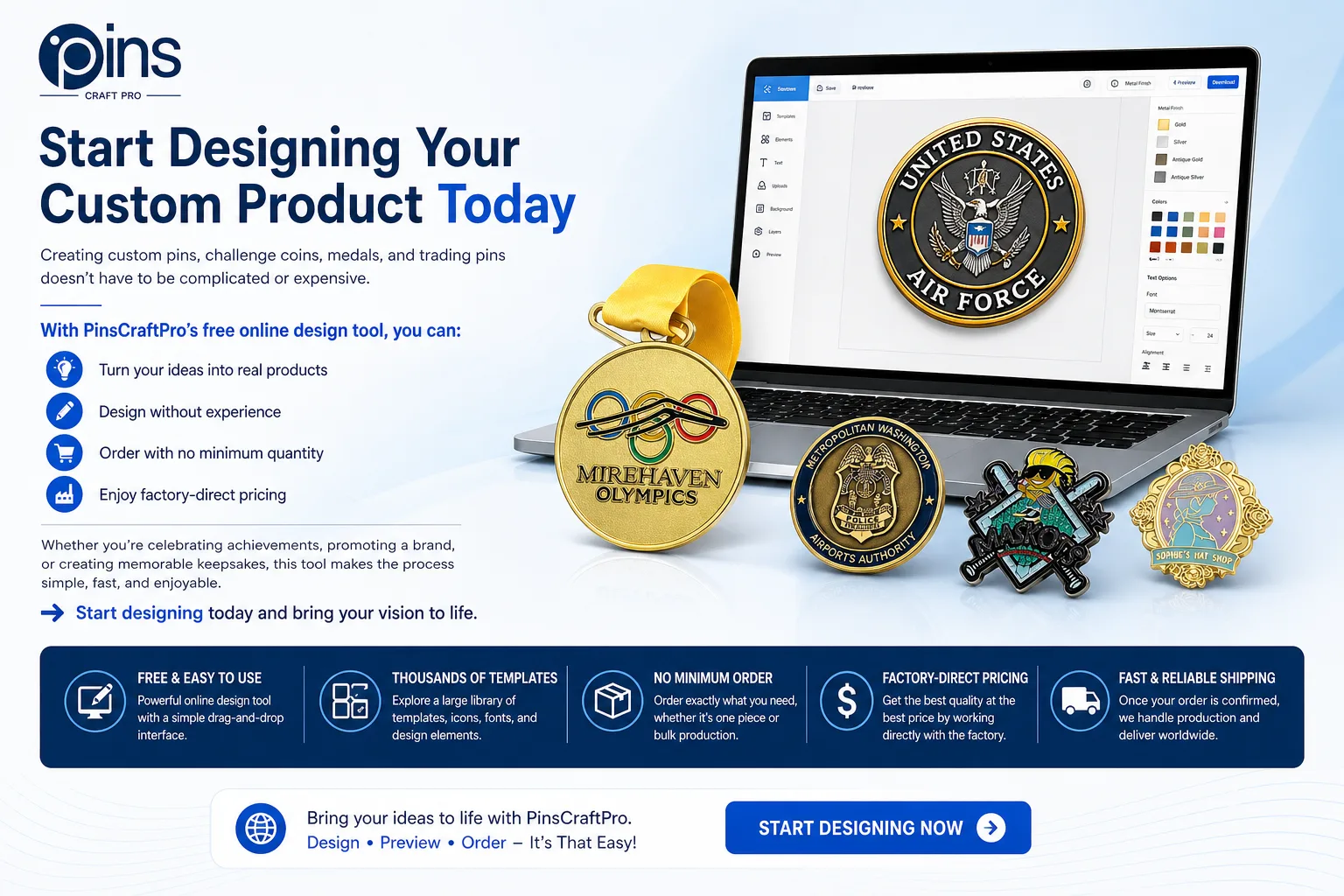
Creating دبابيس مخصصة, challenge coins, medals, and trading pins doesn’t have to be complicated or expensive.
With PinsCraftPro’s free online design tool, you can:
- Turn your ideas into real products
- Design without experience
- Order with no minimum quantity
- Enjoy factory-direct pricing
Whether you’re celebrating achievements, promoting a brand, or creating memorable keepsakes, this tool makes the process simple, fast, and enjoyable.
People love receiving Custom Pins as tokens of appreciation and recognition.
👉 Start designing today and bring your vision to life.
دبابيس ذات صلة وموارد PinsCraftPro
إذا كنت تبحث عن منتجات معدنية مخصصة لحملة قادمة، فإن هذه الأدلة ذات الصلة وصفحات المنتجات يمكن أن تساعدك في تحديد النمط المناسب والتشطيب وطريقة الطلب.
أدلة التخطيط ذات الصلة
- دليل أفكار الميداليات للبطولات الرياضية من أجل وضع برامج جوائز أكثر وضوحًا على مستوى المدارس والاتحادات والبطولات.
- custom bottle opener ideas guide for planning practical event gifts and branded merchandise.