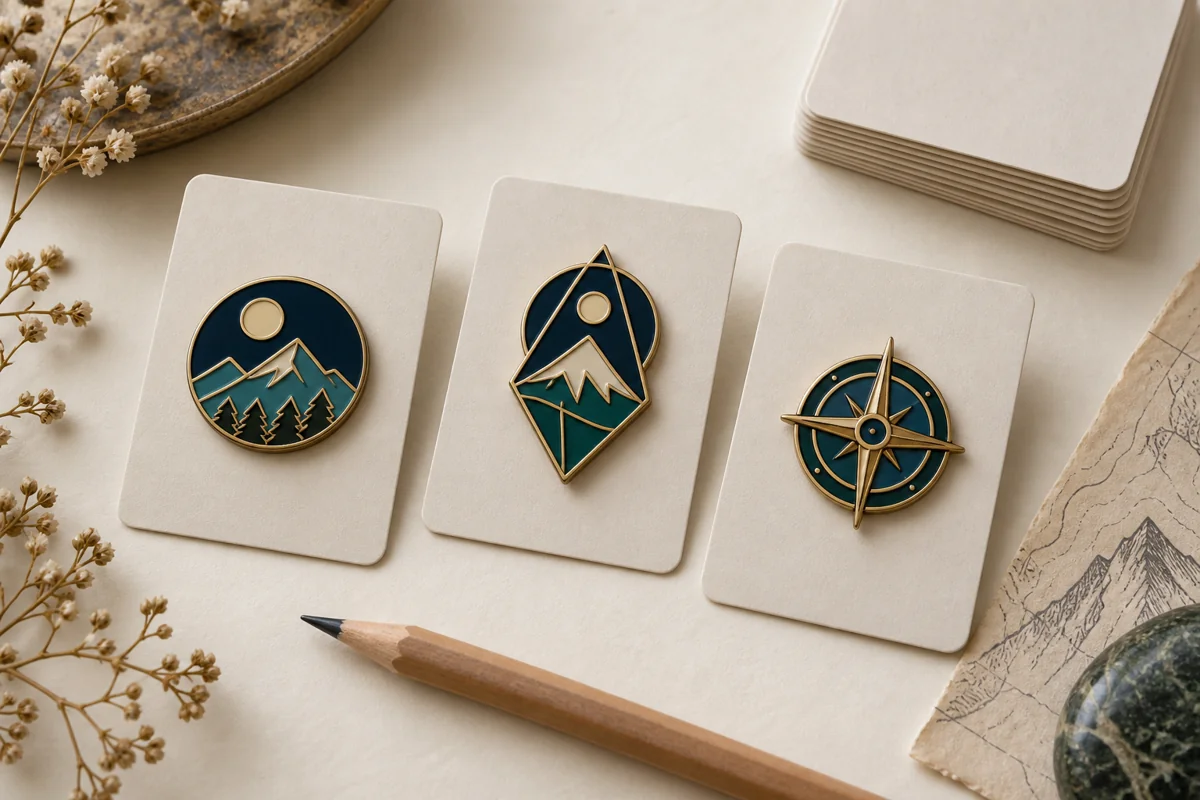

Cómo diseñar Pins personalizados, monedas y medallas con la herramienta online gratuita de PinsCraftPro
¿Alguna vez se te ha ocurrido una idea genial para un pin de solapa personalizado, una moneda conmemorativa, una medalla o un pin coleccionable, pero no sabías cómo convertirla en un producto real?
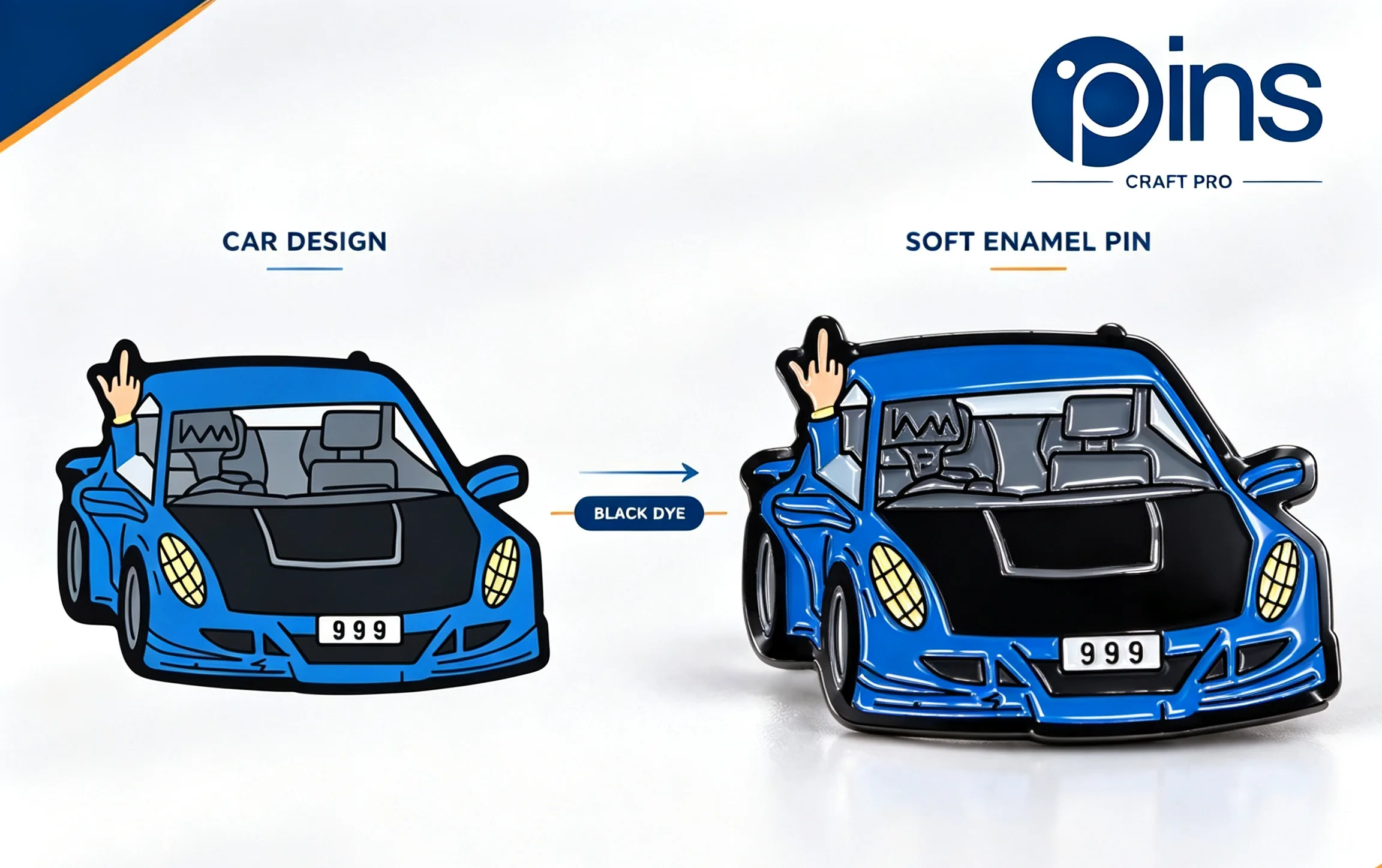
Los pines personalizados son una forma fantástica de expresar tus ideas y tu creatividad.
No estás solo. A mucha gente le cuesta manejar las herramientas de diseño, carece de experiencia en diseño gráfico o, sencillamente, no quiere lidiar con las idas y venidas con los diseñadores. El proceso puede parecer lento, caro y frustrante.
Afortunadamente, hay una forma mejor de hacerlo.
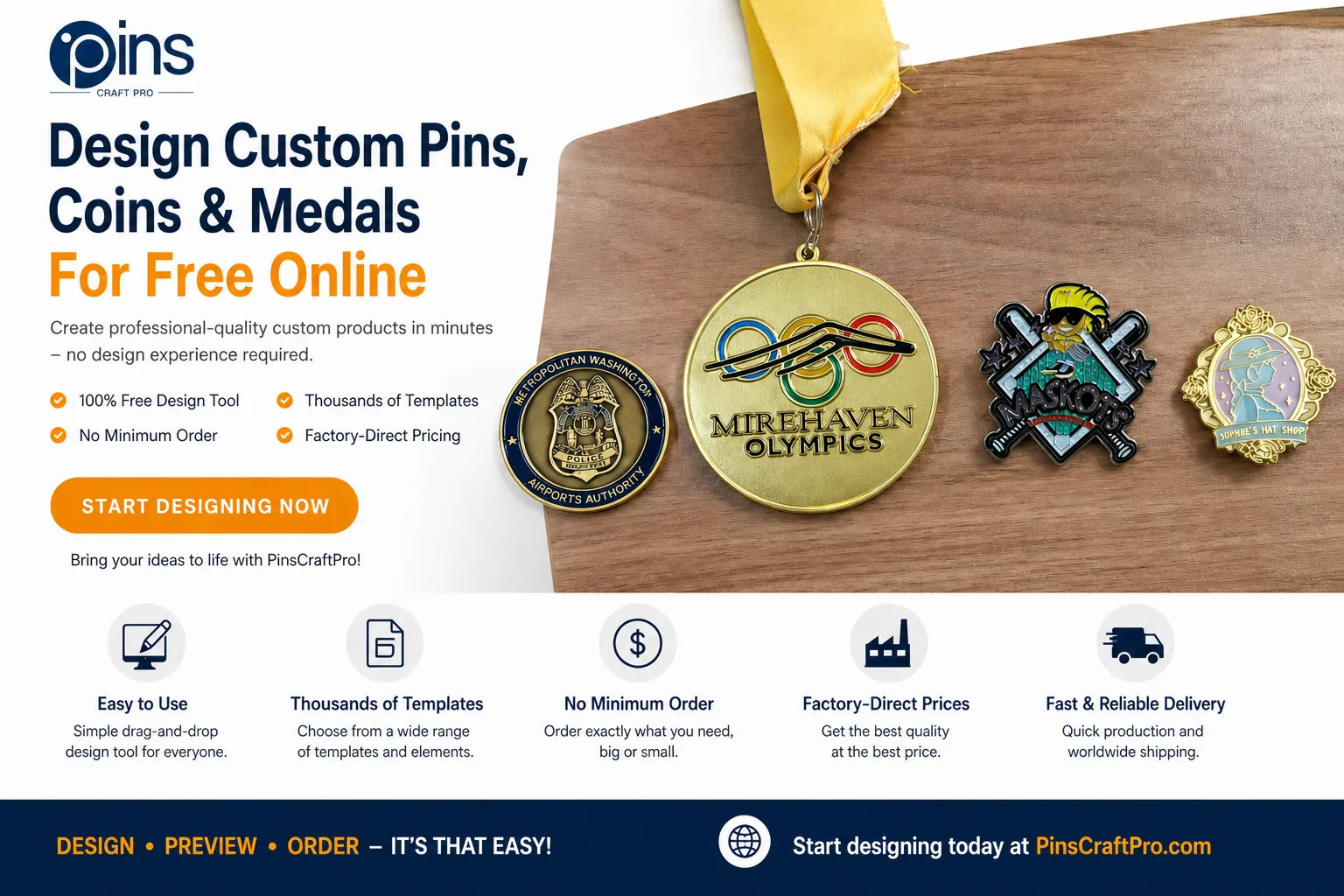
La herramienta de diseño online gratuita de PinsCraftPro permite a cualquiera crear productos personalizados de calidad profesional en cuestión de minutos, sin necesidad de tener experiencia en diseño. Tanto si estás diseñando para una empresa, un equipo deportivo, una unidad militar, un evento escolar o un regalo personal, esta herramienta te ofrece un control creativo total a través de una interfaz sencilla e intuitiva.
La versatilidad de los pines personalizados permite utilizarlos en diversas ocasiones y eventos.
En esta guía, aprenderás paso a paso cómo utilizar la herramienta y descubrirás consejos de expertos para que tu diseño destaque.
¿Por qué elegir la herramienta de diseño en línea de PinsCraftPro?
Antes de pasar a los pasos a seguir, te explicamos por qué miles de usuarios eligen PinsCraftPro para el diseño personalizado de productos:
100%: de uso gratuito
No hay cargos ocultos, suscripciones ni límites de prueba. Puedes crear diseños ilimitados sin tener que pagar por ningún programa ni contratar a un diseñador.
Con los pines personalizados, puedes crear representaciones únicas de tu marca u organización.
Interfaz apta para principiantes
Esta herramienta está pensada para todo el mundo, incluso para quienes nunca hayan utilizado programas de diseño como Photoshop o Illustrator. Sus sencillos controles de «arrastrar y soltar» facilitan la personalización.
Miles de plantillas y elementos
Accede a una amplia biblioteca de plantillas, iconos, fuentes y diseños diseñados específicamente para:
- Alfileres personalizados
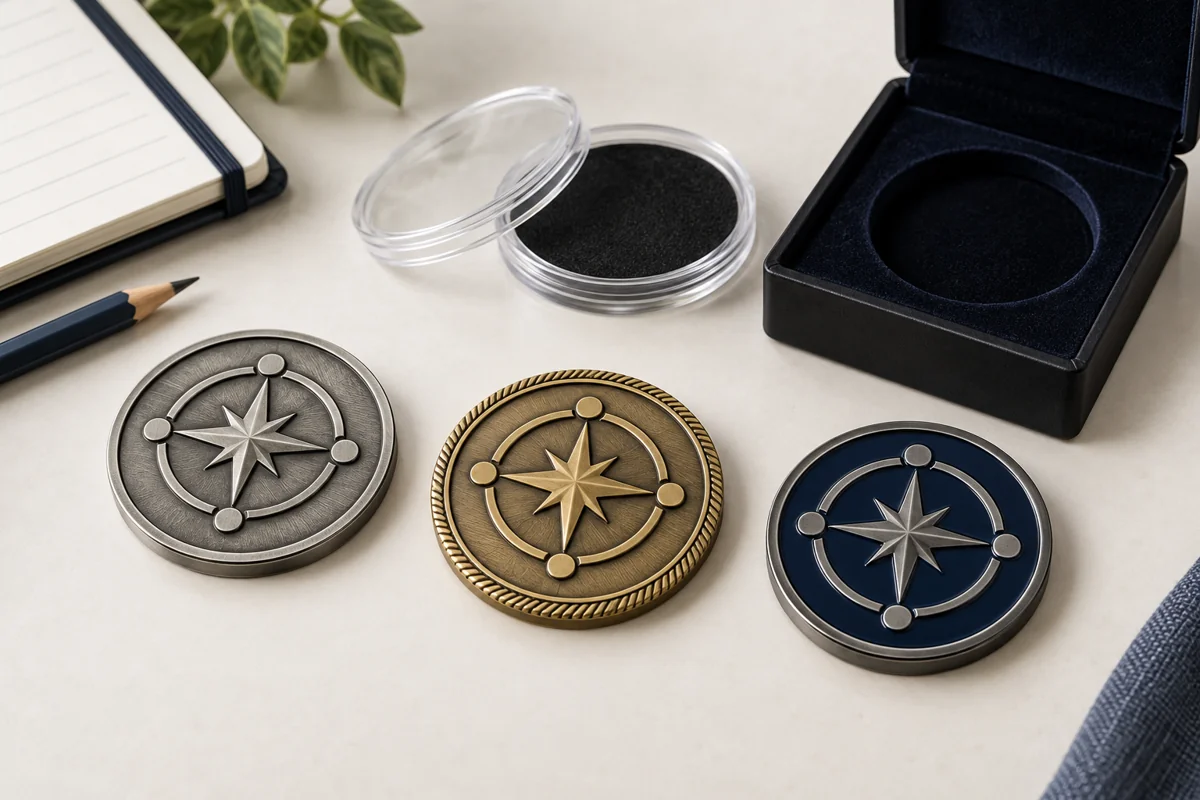
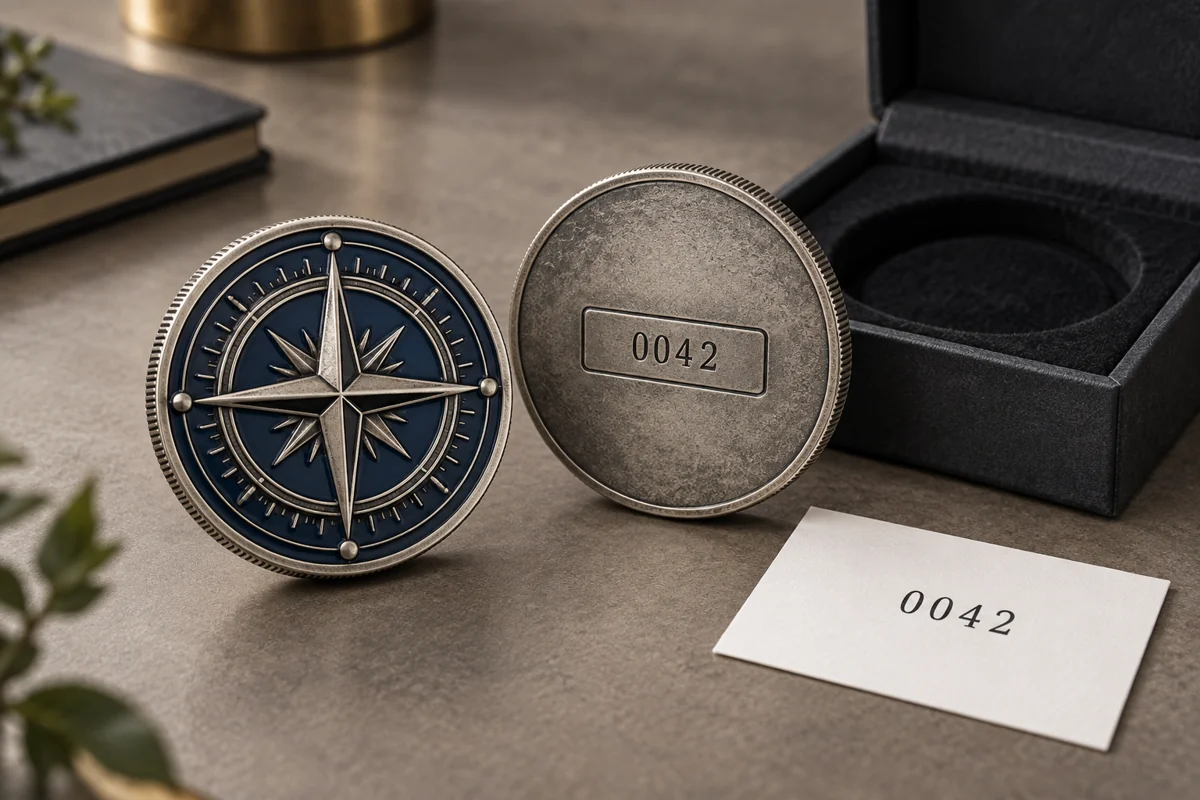
- Monedas conmemorativas
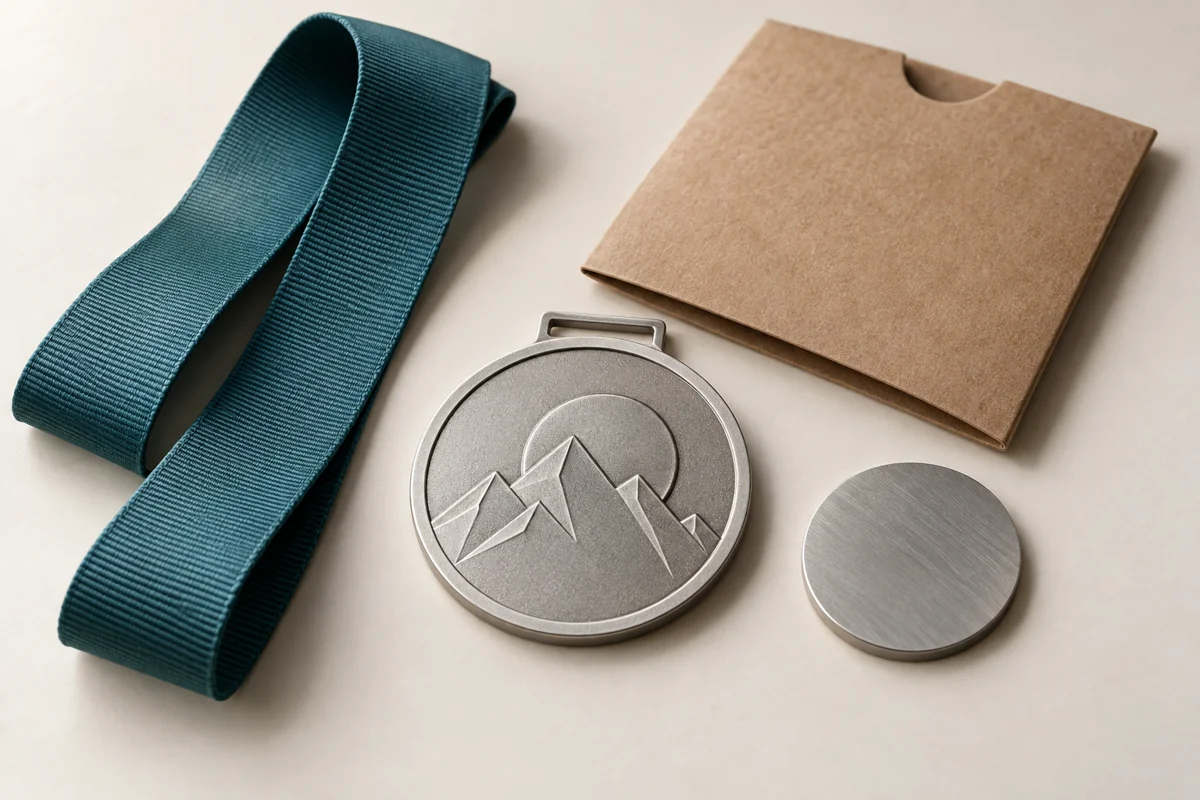
- Medallas
- Intercambio de pins
Sin cantidad mínima de pedido
Tanto si necesitas una sola pieza como si se trata de una producción a gran escala, puedes pedir exactamente lo que necesites.
Las insignias personalizadas ayudan a fomentar el espíritu de equipo y a crear un sentimiento de pertenencia.
Precios directos de fábrica
Al trabajar directamente con el fabricante, obtienes precios competitivos sin los márgenes de los intermediarios.
Guarda y previsualiza en cualquier momento
Puedes guardar tus diseños en línea y ver al instante una vista previa del producto final para asegurarte de que todo queda perfecto.
Envío rápido y fiable
Una vez confirmado tu pedido, la producción y el envío a cualquier parte del mundo se gestionan de forma eficiente.
Al elegir Custom Pins, estás invirtiendo en calidad y diseño.
Guía paso a paso: Crea tu producto personalizado
Diseñar tu propio producto es más fácil de lo que crees. Solo tienes que seguir estos cinco sencillos pasos:
Paso 1: Elige el tipo de producto

Empieza seleccionando lo que quieres crear:
- Monedas conmemorativas personalizadas
- Medallas personalizadas
- Insignias personalizadas para solapa
- Insignias personalizadas para coleccionistas
Cada categoría incluye plantillas personalizadas y especificaciones de diseño, lo que te ayuda a ponerte en marcha más rápido y garantiza que tu diseño se ajuste a los estándares de producción.
Cada diseño de los pines personalizados se puede adaptar al mensaje que quieras transmitir.
Paso 2: Selecciona una plantilla o sube tu diseño

Tienes dos opciones flexibles:
Opción A: Utilizar una plantilla
Echa un vistazo a las plantillas prediseñadas creadas para diferentes sectores y estilos. Estas plantillas son totalmente personalizables, por lo que puedes modificar fácilmente los colores, el texto y los elementos.
Piensa en cómo los pines personalizados pueden mejorar tu estrategia de marketing.
Opción B: Sube tu propio diseño
Si ya tienes un boceto, un logotipo o un borrador, súbelo directamente. La herramienta te permite editar, cambiar el tamaño y mejorar tu diseño desde la propia plataforma.
💡 Consejo: Si no sabes por dónde empezar, las plantillas son la forma más rápida de crear un diseño con aspecto profesional.
Paso 3: Personaliza cada detalle

Aquí es donde tu creatividad cobra vida.
Con el editor integrado, puedes:
- Añadir iconos, símbolos y elementos decorativos
- Insertar texto personalizado (nombres, eslóganes, fechas, títulos)
- Ajustar las fuentes, los tamaños y la alineación
- Cambia los colores para que se adapten a tu marca o tema
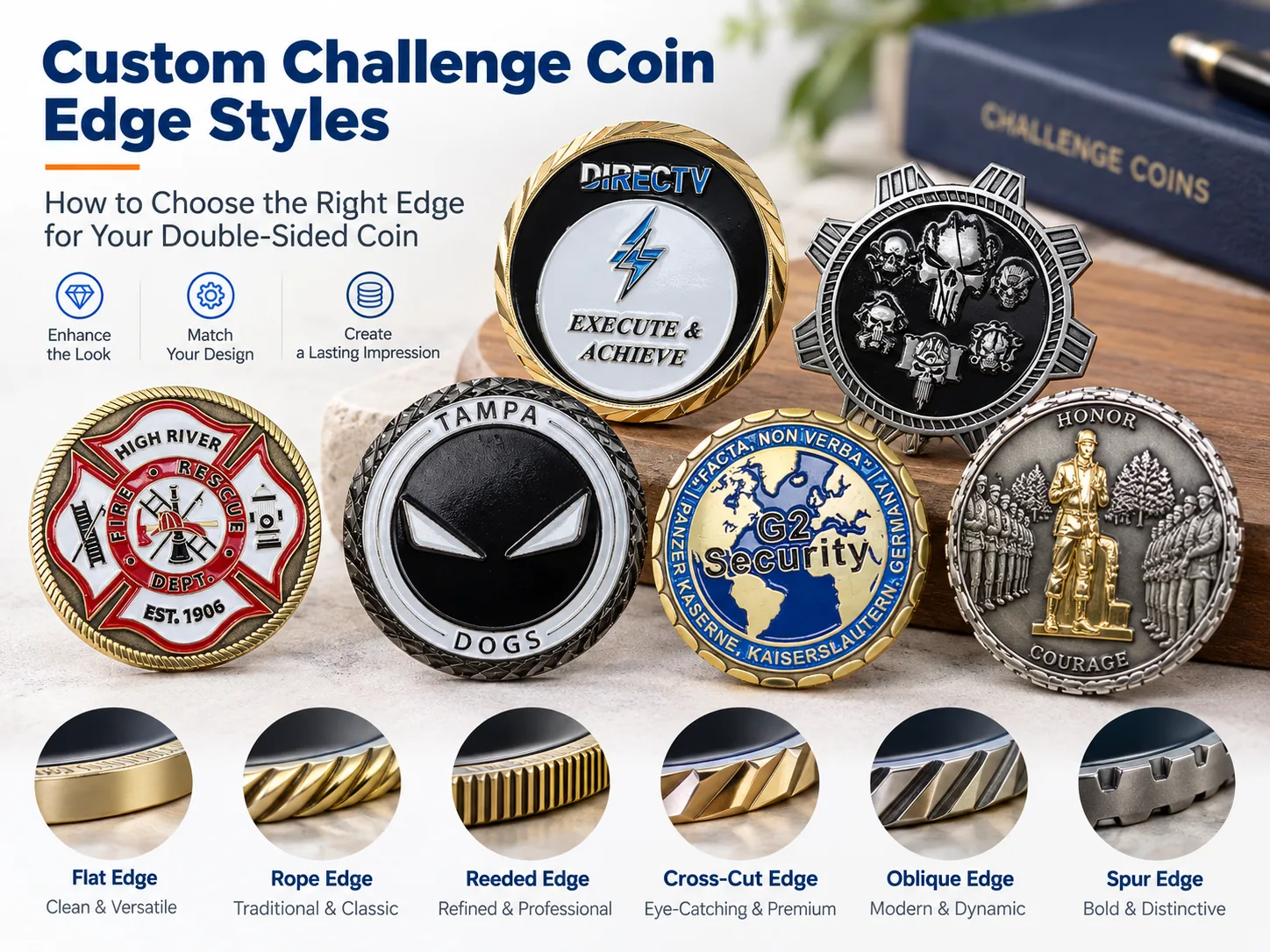
- Experimenta con los acabados metálicos (para monedas y medallas)
- Arrastra y cambia la posición de los elementos con total libertad
La herramienta está diseñada para ofrecer flexibilidad, de modo que puedas probar diferentes combinaciones hasta que tu diseño te parezca perfecto.
Los pines personalizados pueden utilizarse como premios y distinciones, lo que los convierte en un regalo memorable.
Paso 4: Guarda tu diseño y previsualiza el resultado

Una vez que hayas terminado tu diseño:
- Guárdalo en tu cuenta
- Visualiza al instante el resultado final
- Comprueba la alineación, la legibilidad y la precisión del color
La función de vista previa te ayuda a detectar pequeños problemas antes de la producción, lo que garantiza que el producto final se ajuste a tus expectativas.
💡 Consejo profesional: Previsualiza siempre tu diseño desde varios ángulos, si es posible, sobre todo en el caso de objetos en 3D, como monedas y medallas.
Es fundamental previsualizar el diseño de tus pines personalizados para garantizar tu satisfacción.
Paso 5: Solicita un presupuesto y realiza tu pedido

Una vez que hayas terminado tu diseño:
- Ponte en contacto con el equipo de PinsCraftPro para solicitar un presupuesto
- Confirma las especificaciones y los detalles del producto
- Aprobar la producción
- Relájate mientras se fabrican y envían tus productos personalizados
Todo el proceso está optimizado para ahorrarte tiempo y esfuerzo.
Tu pedido de insignias personalizadas puede influir de manera significativa en el resultado final de tu evento.
Consejos de expertos para crear mejores diseños personalizados
Para crear un diseño que tenga un aspecto profesional y resulte llamativo, ten en cuenta estos consejos:
No te compliques
Evita sobrecargar tu diseño. Céntrate en uno o dos elementos clave para que resulte visualmente impactante y memorable.
Diseña pensando en tu público
Piensa en quién recibirá o utilizará el producto:
- Monedas militares → llamativas, clásicas, simbólicas
- Insignias deportivas → coloridas, llenas de energía, divertidas
- Artículos corporativos → limpios y profesionales
Utiliza imágenes de alta calidad
Si subes material gráfico, asegúrate de que sea de alta resolución para evitar que la imagen salga borrosa.
Previsualizar con frecuencia
Revisa tu diseño varias veces durante el proceso para detectar pequeños errores a tiempo.
¿Necesitas ayuda? Asistencia gratuita en diseño disponible
Aunque la herramienta es fácil de usar para los principiantes, siempre hay asistencia disponible.
PinsCraftPro ofrece asistencia gratuita para el diseño de ilustraciones, que incluye:
- Ajustes de diseño
- Recomendaciones profesionales
- Creación de diseños totalmente personalizados
Si no estás seguro de tu diseño, su equipo puede ayudarte a perfeccionar tu idea hasta convertirla en un producto listo para su fabricación.
Empieza hoy mismo a diseñar tu producto personalizado
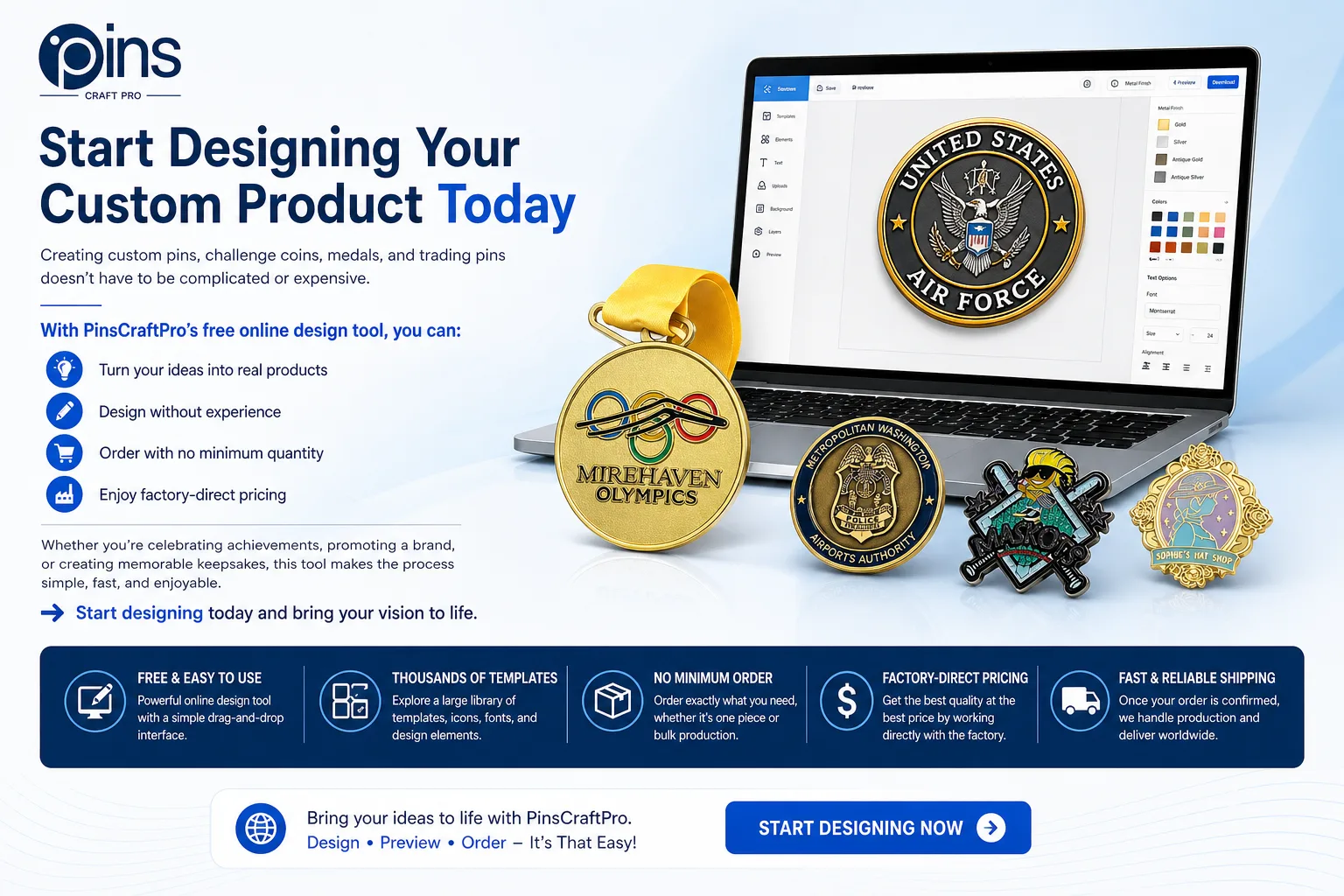
Creación pins personalizados, las monedas conmemorativas, las medallas y los pins coleccionables no tienen por qué ser complicados ni caros.
Con la herramienta de diseño online gratuita de PinsCraftPro, puedes:
- Convierte tus ideas en productos reales
- Diseño sin experiencia
- Pedido sin cantidad mínima
- Disfruta de precios directos de fábrica
Tanto si quieres celebrar tus logros, promocionar una marca o crear recuerdos inolvidables, esta herramienta hace que el proceso sea sencillo, rápido y divertido.
A la gente le encanta recibir insignias personalizadas como muestra de agradecimiento y reconocimiento.
👉 Empieza a diseñar hoy mismo y haz realidad tu visión.
Pines relacionados: Recursos de CraftPro
Si estás comparando productos metálicos personalizados para una próxima campaña, estas guías y páginas de productos relacionadas pueden ayudarte a elegir el estilo, el acabado y el proceso de pedido más adecuados.
Guías de planificación relacionadas
- Guía de ideas para medallas de torneos deportivos para crear programas de premios más claros en los centros educativos, las ligas y los campeonatos.
- Guía de ideas para abrebotellas personalizados para planificar regalos prácticos para eventos y productos promocionales de marca.